
I spent six weeks running every client call, internal check-in, and coordination meeting through the same practical AI meeting workflow. The question was straightforward: can an AI meeting notes workflow actually reduce friction in real work, or does it simply create another layer of cleanup that has to be managed on already busy days?
This was not a controlled lab experiment. It happened in the middle of school pickups, Cooper barking at the mail carrier, Denver afternoon storms that drop the home internet, and the usual mix of clear decisions and messy, overlapping conversations. That is the only environment that matters when testing practical AI workflows for knowledge work.
Why I Ran the Test in the First Place
Meetings remain the place where most decisions get made and most context quietly disappears. In my former product-operations role and in the consulting work I do now, I have watched the same pattern repeat: people leave a call believing they agreed on something, then three days later no one can locate the decision or the owner.
I have tried pure manual note-taking. I have also tried tools that promise perfect transcripts and instant action items. Most of them look clean in a product demo and then quietly fail when the audio is imperfect, people join late, or the conversation drifts. I wanted a workflow light enough to use every day and strict enough that the output still needed only a few minutes of human review. Anything that required more ongoing maintenance than it removed was going to be cut.
The six-week window gave me enough volume to see patterns without turning the test itself into a full-time project.
The Exact Workflow I Used
I kept the stack deliberately small.
Capture
I recorded only with clear, explicit permission. I used one reliable transcription tool that handled both video meetings and phone calls. No extra browser extensions on client machines. No new logins required for participants. If a client preferred not to be recorded, the AI layer simply stopped for that conversation.
Processing
After each call I ran the transcript through the same short prompt every single time:
List only final decisions (not suggestions or “we should maybe”).
Pull action items with the person who actually spoke them and any deadline that was stated out loud.
Note open questions that remained unresolved.
Flag any follow-up that was promised but never scheduled.
Human Review and Distribution
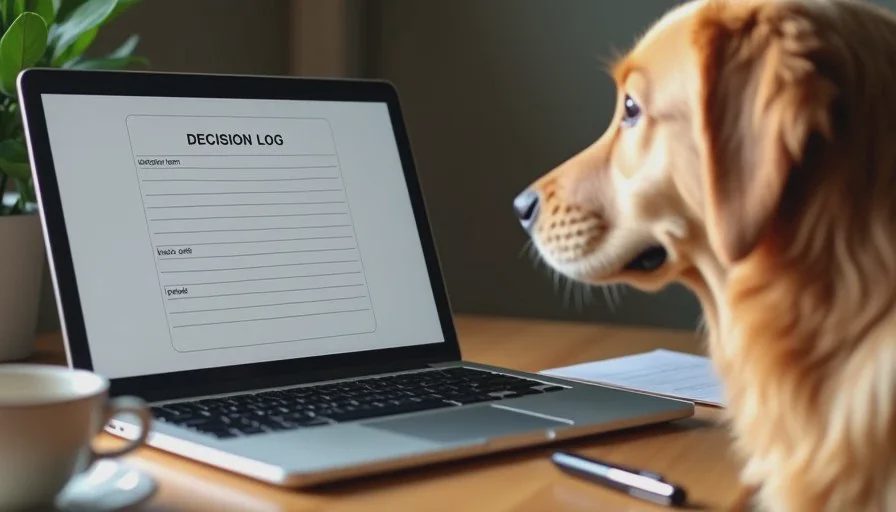
I gave myself a hard five-to-eight-minute review window. Then I sent a short decision log—never the raw AI output—to the people who needed it. The consistency of the format mattered more than any single clever prompt.
That three-step loop stayed identical for the entire six weeks so I could observe what held up and what broke under ordinary conditions.
What Actually Held Up Across Real Calls
A few patterns remained useful week after week.
Decision capture when decisions truly existed
When a meeting produced a clear decision, the workflow usually surfaced it accurately. This mattered most in client work. Later disagreements about “what we agreed last time” dropped because everyone had the same short reference document.
Visible action-item load
Seeing the same name appear on every follow-up made ownership patterns obvious. That is easy to miss when notes live only in individual notebooks or scattered Slack threads. The consistent format turned invisible overload into something visible.
Fewer clarifying messages after meetings
By the fourth week I was receiving fewer “what did we decide?” emails. The short, predictable structure of the decision log did more practical work than any long, word-perfect transcript that no one opened again.
These outcomes proved more valuable than perfect transcription. A usable decision log that people actually read beats a comprehensive transcript that sits unread.
Where the Workflow Quietly Failed
The failures were ordinary, which made them more useful to study.
Ambiguous ownership
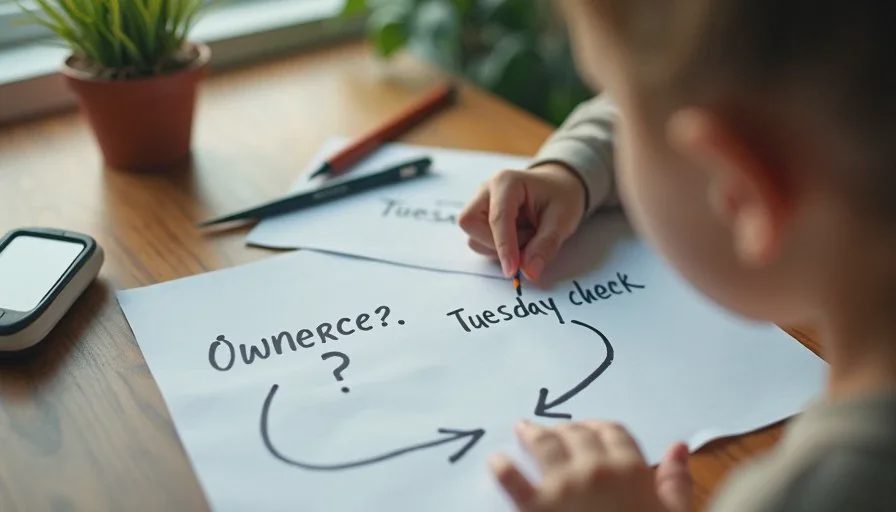
When no one clearly claimed a task, the AI often assigned it to the person who spoke the most. That created silent friction later when the work did not move. I added a manual check before sending: “Who owns this?” If the answer was still unclear, I left the owner blank and noted the gap.
Background noise and context switching
Home-office audio is rarely clean. Kids, dogs, delivery trucks, and people muting and unmuting produced messy transcripts. The AI sometimes treated a side comment or a background question as a formal decision. Human review stayed non-negotiable.
Meetings that produced no real decisions
Status updates and pure relationship calls still generated long summaries that added little value. I stopped running the full workflow on those and simply sent a two-sentence note instead. Forcing every conversation through the same process created unnecessary work.
Client comfort with recording
A few clients preferred not to be recorded at all. In those cases the AI layer stopped. The workflow is optional; it is not required for every conversation. Respecting that boundary kept the system usable rather than rigid.
Adjustments That Survived the Six Weeks
Three changes remained after the test ended:
A short pre-meeting reminder (spoken or written) asking participants to state decisions and owners out loud when they happen. This single habit improved the quality of the source material more than any prompt refinement.
The hard five-minute review rule. If the AI output needed more cleanup than that, I treated it as a signal that the meeting itself had been unclear. The tool became a diagnostic for meeting quality, not just a note-taking aid.
One consistent decision-log template with the same headings every time. Consistency lowered the cognitive cost of reading the notes later.
Everything that required extra software, extra training for clients, or extra logins was dropped. The goal was less friction, not a more elaborate stack.
How the Workflow Fit Ordinary Life
The system kept functioning through school pickups, Cooper’s barking, and the usual afternoon internet drops common in Denver. It did not require a quiet dedicated office or a perfect morning routine. That was the entire point of running the test in real conditions rather than ideal ones.
Jake watched me process notes one evening and offered his usual observation: “If the tool needs you to clean up after it every time, maybe the tool is the problem.” He was partly right. The cleanup cost is real. The time saved on the meetings that actually produced decisions was also real. The trade-off only works when you stay honest about which meetings deserve the full process and which ones do not.
When I Still Choose Handwritten Notes
I still take notes by hand in three recurring situations:
Sensitive conversations where recording feels inappropriate
Open brainstorming sessions where the energy and side comments matter more than a clean transcript
Any meeting where I am the primary facilitator and need full presence
The AI meeting notes workflow is a tool for certain kinds of calls. It is not a replacement for attention or judgment.
Practical Guidance If You Want to Try a Similar Approach
Start with one recurring meeting for two weeks before expanding. Track the actual minutes you spend cleaning the AI output. If that number keeps rising, simplify the prompt or drop the tool for that type of call.
Watch for the quiet failure modes: ambiguous ownership, meetings with no real decisions, and participants who prefer not to be recorded. Those are ordinary conditions, not edge cases. A practical AI workflow earns its place only when the net result is less friction, not more process to maintain.
After six weeks the answer to the original question is clear enough. The workflow works for meetings that produce decisions and clear owners. For everything else, a lighter approach remains better.
Will this still work on Tuesday? Yes—for the right kind of meeting. That remains the only standard that matters.
Make it useful. Make it human. Make it survive Tuesday.




No comments yet — be the first to share a thought.