If you have ever left a Zoom call with three vague action items and no idea who owns them, you have probably wondered: does zoom transcribe meetings? The short answer is yes, Zoom can create a transcript, but the exact feature you get depends on your account, meeting settings, host permissions, and whether the meeting is recorded to the cloud. It is useful, but it is not a magic button that turns a messy conversation into perfect documentation.
How Zoom transcription works
Zoom generally creates a transcript from the meeting audio using speech recognition. Depending on the account and settings, the transcript can be associated with a cloud recording, generated through live transcription, or supported by Zoom AI Companion features such as meeting summaries. The names and availability of these tools can change as Zoom updates its plans and products, so the controls you see may not match a colleague's screen.
For a typical meeting, the host or an authorized participant enables the relevant transcription or recording setting before or during the call. Zoom then processes the audio and produces text with speaker labels or timestamps when those details are available. The result may appear in the Zoom web portal alongside the recording rather than as a document sitting automatically in your Downloads folder.
That distinction answers does zoom transcribe meetings more precisely than a simple yes. Zoom can transcribe, but someone still needs to turn the transcript into something useful. A raw transcript is a searchable record. It is not necessarily a clean set of decisions, a customer-ready summary, or an accurate project plan.
Where to find a Zoom transcript
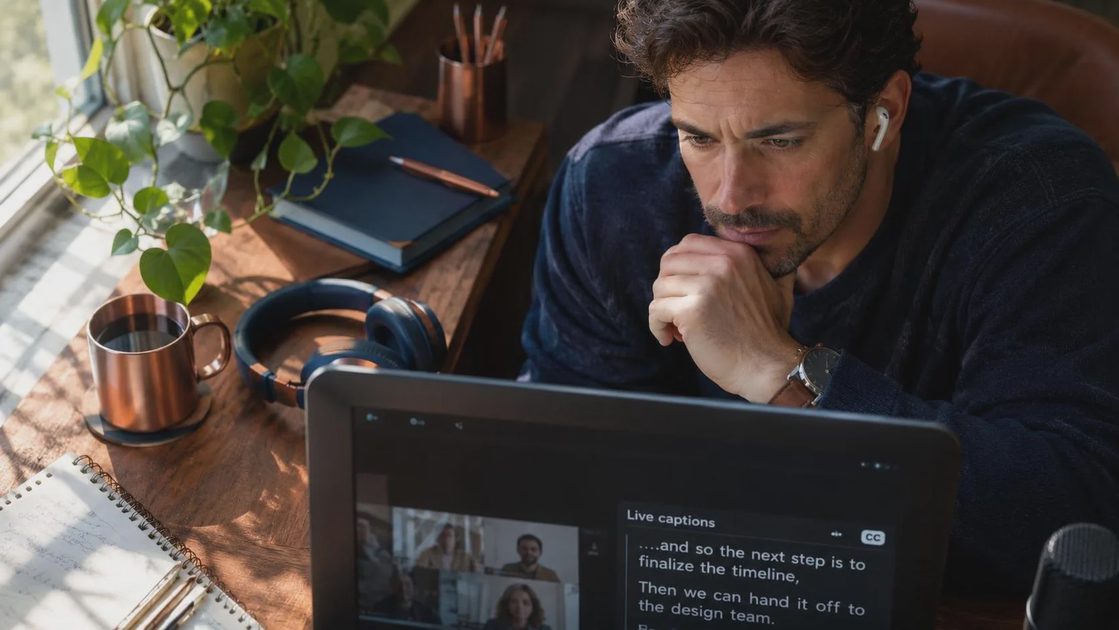
After a cloud-recorded meeting finishes processing, sign in to the Zoom web portal and look under recordings. Open the relevant meeting and look for transcript, audio transcript, or related meeting assets. The exact label depends on your account configuration and the features enabled by your organization. If you were only an attendee, you may not have access to the recording or transcript at all.
If you cannot find anything, check a few ordinary failure points. The meeting may not have been recorded to the cloud. Audio transcription may have been disabled. Processing may still be underway. Your company administrator may restrict access, or the host may have ended the call without enabling the required feature. In other words, does zoom transcribe meetings is only the first question; the more practical question is whether your specific meeting produced an accessible transcript.
A transcript can usually be viewed, downloaded, or shared through the meeting's recording page, depending on permissions. Before sending it to a client, read at least the sections containing names, numbers, dates, and commitments. Speech recognition can turn fifteen into fifty, misread product names, or assign a sentence to the wrong speaker.
Does Zoom transcribe meetings automatically?
Usually, no. Zoom does not automatically transcribe every meeting for every account by default. A host, administrator, or participant with the right permissions generally needs to enable a transcription-related feature. Some organizations also create default recording or transcription policies, which can make the process feel automatic to employees even though a setting was configured behind the scenes.
This is a useful privacy boundary. A meeting about a performance issue, medical appointment, contract negotiation, or family matter should not quietly become a permanent searchable record without people understanding what is happening. If transcription is enabled, participants may see an indicator or notification, but it is still good meeting practice to explain that the call is being recorded or transcribed.
For recurring team meetings, ask the host to establish a consistent rule. For example, record and transcribe weekly planning meetings, but avoid recording informal check-ins unless the group needs a formal record. A simple policy prevents the awkward moment when everyone discovers that a casual comment has been preserved forever.
What Zoom transcripts are good for
The strongest use case is retrieval. If you remember that someone mentioned a renewal date, technical limitation, or budget concern but cannot remember when, a transcript gives you a searchable place to start. This is especially helpful for interviews, research calls, customer discovery, project kickoffs, and long planning meetings where people cover several topics in one hour.
Zoom transcription can also reduce note-taking pressure. Instead of trying to capture every sentence, you can write down decisions and questions while relying on the transcript for context. Later, you can verify the wording before updating a project document or sending a follow-up email.
For small teams, the practical workflow is simple: record when appropriate, review the transcript, extract decisions, assign an owner and due date, then link the source recording or transcript in the project workspace. That last step matters. A transcript hidden in a video portal does not help much if the team tracks work in Asana, Trello, Notion, or a shared Google Doc.
Limitations, accuracy, and privacy
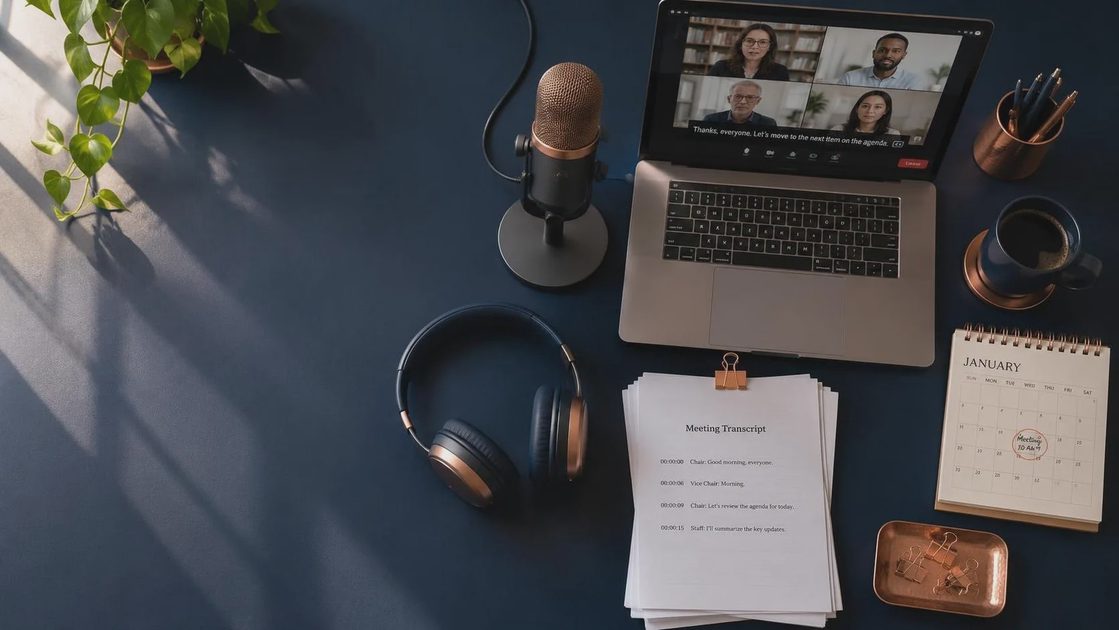
The answer to does zoom transcribe meetings should include a healthy amount of skepticism. Background noise, overlapping speakers, accents, poor microphones, industry jargon, and unstable connections can all reduce accuracy. A laptop microphone in a busy kitchen is not equivalent to a dedicated meeting-room microphone. Even a clear recording can produce errors when several people interrupt one another.
Review high-consequence details manually. That includes prices, legal language, medical information, names, account numbers, deadlines, and statements that could affect an employee or customer. A transcript is a convenience tool, not an authoritative legal record.
Privacy deserves equal attention. Check your organization's retention rules, access controls, and policies for sensitive conversations before enabling transcription. Do not paste an unreviewed transcript into another AI service simply because it offers a prettier summary. That may create a second copy with different data handling terms. Remove unnecessary personal information when sharing notes outside the original group.
A low-maintenance workflow that survives Tuesday
Here is the approach I use when testing meeting tools: decide before the call whether a transcript is actually needed. If the meeting is a quick status check with three people who already share a task board, transcription may create more cleanup than value. If it is a forty-five-minute vendor discussion with pricing, dependencies, and follow-up promises, the record is far more useful.
At the start, tell participants what is being recorded or transcribed and why. During the call, mark decisions verbally with clear language such as, We agreed that Maya owns the draft and will send it by Thursday. Afterward, scan the transcript for decisions, risks, open questions, and dates. Put those items in the tool where work already happens rather than building a separate transcript-management hobby.
If you use Zoom AI Companion for a summary, compare the summary with the transcript before sharing it. AI can overlook a disagreement, flatten uncertainty into a confident statement, or assign an action to the wrong person. A five-minute review is cheaper than correcting a week of work based on a bad note.
The bottom line for Zoom users
So, does zoom transcribe meetings? Yes, Zoom offers transcription capabilities, but access and behavior depend on the enabled features, account plan, permissions, recording method, and organizational policy. The transcript is most valuable as a searchable source that supports human notes, not as a substitute for judgment.
Start with one recurring meeting and test the full path: enable the feature, notify participants, locate the finished transcript, correct obvious errors, and turn the useful parts into assigned work. If the process takes longer than the note-taking it replaced, simplify it or stop using it. You may not need a better meeting system. You may need fewer moving parts.
Make it useful. Make it human. Make it survive Tuesday.



No comments yet — be the first to share a thought.