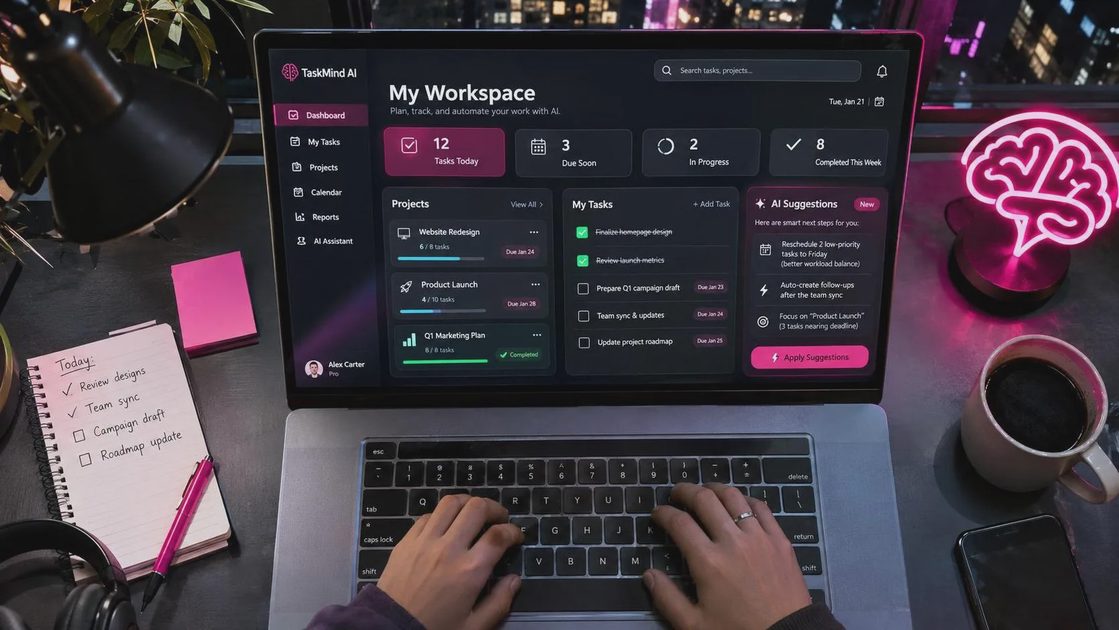
If your to-do list has become a holding pen for half-finished thoughts, task ai can help turn those thoughts into concrete next steps. Think of it as a drafting assistant, not a manager: it can sort notes, suggest priorities, and break a project into smaller pieces, but you still decide what matters and what actually belongs on your calendar.
The phrase can describe AI-powered task management generally, rather than one specific app. If you're looking for a particular product called Task AI, check its publisher and website before signing up; similarly named tools aren't necessarily the same service.
Where task ai is genuinely useful
The best use is getting unstuck between “I should deal with this” and an action you can take. Paste in a messy note, a meeting summary, or a project description, and ask for a short list of tasks with suggested owners and deadlines. Then review the result against what people actually agreed to do.
For example, a note that says “school fundraiser, ask about space, snacks?” might become three draft actions: ask the school about available space, confirm whether food is allowed, and identify someone to coordinate snacks. That is helpful because the next conversation is clearer. It does not mean the tool knows the event date, the budget, or who has volunteered.
Several established options are worth exploring, depending on where your work already lives. Todoist is a sensible starting point for someone who wants a straightforward personal task list and is interested in AI-assisted task creation. Asana suits teams that need shared projects, ownership, and handoffs. Notion can appeal to people who want tasks alongside notes and documentation. AI capabilities, plan limits, and integrations change, so check each provider's current feature and pricing pages before choosing.
I'd start with the place you already check. A clever list in an app you forget to open is still a forgotten list, just with better punctuation.
A five-minute workflow for a messy day
Start with one small pile of information: your own meeting notes, a project brain dump, or the household errands rattling around in your head. Avoid combining your entire work history and family calendar into one giant prompt. More context is not automatically better, especially when some of it is sensitive.
Ask the assistant to separate actions from information. A prompt like this gives task ai enough structure without asking it to run your life:
“Turn these notes into a task list. Start each task with a verb. Flag anything that needs a decision. Do not invent deadlines or owners. If a task is unclear, ask me a question instead of guessing.”
Next, skim for imaginary certainty. “Send the proposal to Alex by Friday” sounds useful, but only if Alex and Friday appeared in the notes or were confirmed afterward. Change unsupported details to questions, such as “Who should receive the proposal?”
Finally, move only the actionable items into your normal list. Give each one enough detail that you can resume after an interruption: “Email the school office about fundraiser space” is easier to pick up than “fundraiser.” If a task takes several sessions, write down the first physical step rather than treating the whole project as one checkbox.
This workflow is useful for a crowded afternoon. It is probably unnecessary for a grocery list with four items. Sometimes writing “milk” on a scrap of paper remains a perfectly respectable system.
Priorities, calendars, and the limits of automation
A tool can suggest an order for your tasks, but it cannot reliably infer the consequences of missing a deadline or the promise you made in a hallway. If you ask task ai to prioritize, supply the constraints: what is due, how long you expect it to take, and which items depend on another person's response.
For a realistic plan, include the immovable parts of the day and leave room for transitions. If you have a pickup at 3 p.m., a meeting that ends at 2:45 does not leave a useful hour for deep work. Ask for a short plan with a fallback: “If the afternoon falls apart, which one task should I finish first?”
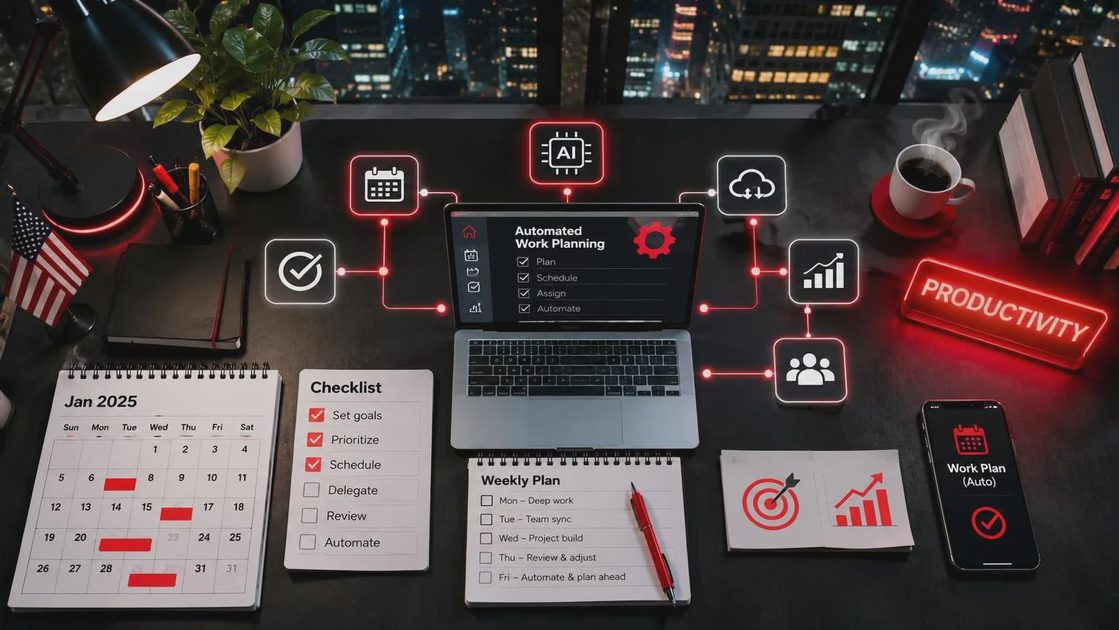
Calendar-connected tools may offer to schedule or reschedule work automatically. That can be helpful when your availability changes often, but a calendar block is not proof that a task is feasible. Review time zones, meeting buffers, and whether the tool treats a tentative event as available. Check its permission settings before allowing it to edit events or send anything on your behalf.
There's also a less glamorous failure mode: the list fills with plausible subtasks that nobody needs. If “plan a dentist appointment” expands into a twelve-step project, delete the extras. One reminder to call the office may be enough.
Privacy and cost checks before you connect an app
Task notes often contain more than tasks. They can reveal client names, employee issues, medical details, school schedules, or access information. Before putting any of that into task ai, check your employer's rules and the provider's privacy terms. Look for what data the service stores, whether it uses submitted content to improve models, and what controls are available for your account or organization.
Use a generic description when the details are not needed. “Draft a follow-up for a delayed project” can be enough to get a useful template without naming a client or pasting a confidential email. Never put passwords, authentication codes, or financial account numbers into a prompt.
Also check whether the feature you want is included in your plan, has usage limits, or requires a separate subscription. A free trial is not much of a bargain if the team then has to migrate months of tasks to keep working.
Choose the smallest setup that will stick
Before committing to task ai, pick one job for it: extracting actions from meeting notes, breaking down intimidating projects, or making a daily plan. Try that job with a few ordinary examples and compare the result with your existing approach. Count the review and cleanup time, not just the seconds it takes to generate a list.
If the output saves you a little thinking and fits where you already work, keep using it. If you are copying tasks between three places or correcting invented deadlines every afternoon, a simpler checklist may serve you better. The point isn't to build a more impressive system. It's to make the next step easier to see.
Will this still work on Tuesday?




No comments yet — be the first to share a thought.