A meeting minutes program can be the difference between a useful conversation and a vague memory of one. The right tool captures decisions, assigns follow-up work, and makes it possible to find what happened three weeks later. The wrong one creates another dashboard nobody opens. I have tested enough productivity systems to know that the setup is rarely the hardest part. The hard part is making the workflow simple enough to survive a noisy Tuesday, a late school pickup, and the meeting that runs 12 minutes over.
What a meeting minutes program should actually do
At a minimum, a meeting minutes program should help you record the meeting date, attendees, agenda, key discussion points, decisions, action items, owners, and due dates. Those fields sound ordinary, but they solve the most common documentation failure: notes describe what people said without making clear what happens next.
Good software also makes notes searchable and easy to share. Some tools connect with Zoom, Microsoft Teams, or Google Meet and create a transcript. Others live inside workspace products such as Notion, ClickUp, or Microsoft OneNote. A few focus on artificial intelligence that summarizes conversations automatically. These features can save time, but they do not replace judgment. A transcript can tell you that three people discussed a launch date. It cannot always tell you whether the date was approved, suggested, or politely ignored.
Look for a tool that lets you edit quickly, correct names, label decisions, and link tasks to a project. If exporting notes requires six clicks, people will eventually paste rough thoughts into Slack instead.
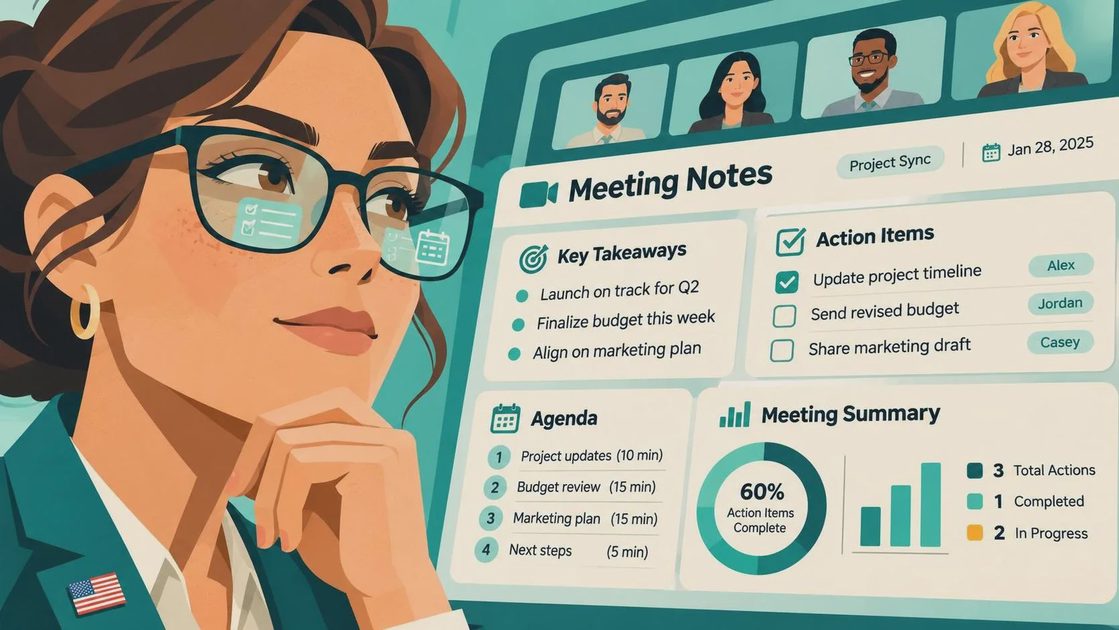
Automatic transcription is useful, not magical
The most attractive feature in a meeting minutes program is often automatic transcription. It is helpful when a call includes technical terms, several speakers, or a decision made near the end of a long conversation. An AI summary can turn a 45-minute recording into a short review that takes five minutes to check.
That last phrase matters: to check. Transcription tools mishear names, acronyms, product codes, and short answers such as “yes, but not this quarter.” They can also smooth over disagreement and make a tentative idea sound final. I would not send an AI-generated summary to a client or executive without reading it first.
Privacy deserves equal attention. Before enabling recording, confirm that participants understand what is being captured and where the data is stored. Review retention settings, administrator access, and whether the vendor uses customer content to improve its models. For routine internal planning, a tool such as Otter, Fireflies, or an integrated Teams feature may be sufficient. For sensitive legal, personnel, or customer matters, manual notes or a restricted workspace may be the wiser choice.
Choose the workflow before choosing the software
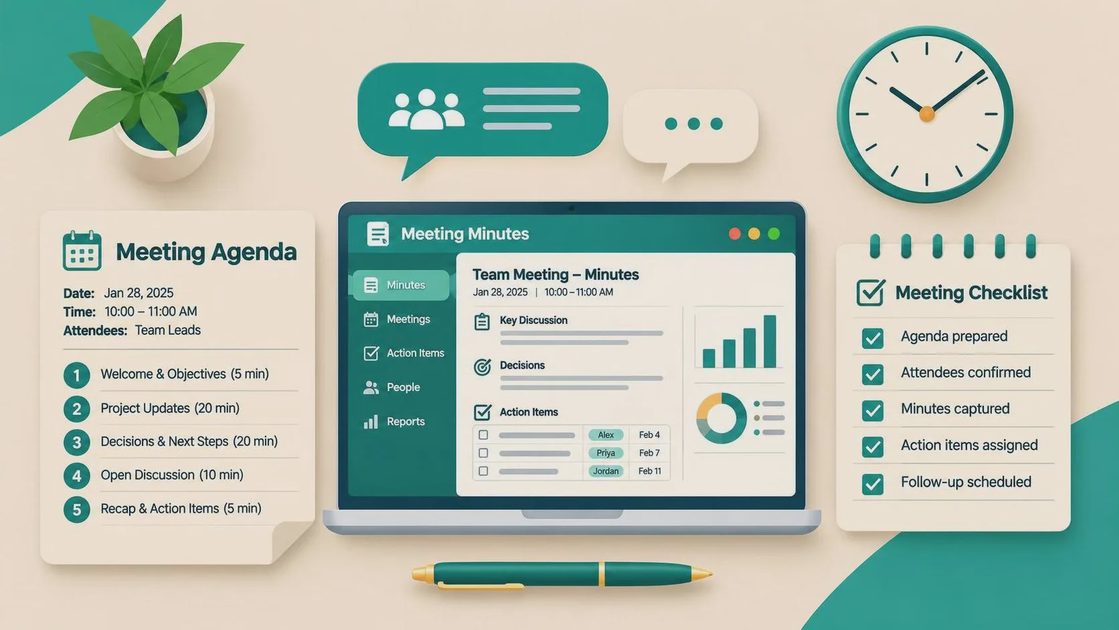
A meeting minutes program cannot repair a meeting with no purpose. Before comparing products, decide what your team needs to happen before, during, and after a call. A lightweight workflow might look like this: the organizer adds three agenda questions, the note-taker records decisions in real time, and the owner reviews action items before the meeting ends.
The program should support that sequence rather than add ceremony. For a weekly operations meeting, one reusable template may be enough. Include the date, attendees, metrics reviewed, decisions, blockers, and next actions. For a client meeting, add open questions, commitments from both sides, and the next scheduled touchpoint. For a one-on-one, keep notes private and separate from a broad team archive.
I once built an elaborate meeting template with sections for risks, dependencies, parking-lot topics, and confidence ratings. It looked excellent in a demonstration. In practice, the template took longer to complete than the meeting. The useful version had five headings and a rule: anything without an owner did not count as an action item.
Compare tools by follow-through, not feature count
When evaluating a meeting minutes program, test the full path from notes to completed work. Create a sample meeting, capture two decisions, assign an action to a colleague, and search for it the next day. Then ask whether the person can see the task without creating an account, opening a new app, or decoding your personal filing system.
A simple document-based option can work well for a team already using Google Workspace or Microsoft 365. Notion is flexible for linked project notes, though flexibility can become a maintenance burden. ClickUp and Asana are stronger when action items need due dates and project reporting. Otter and Fireflies are appealing when recording and transcription are central. Teams and Zoom integrations can reduce friction when your organization already pays for those platforms.
Prices commonly range from free plans with limits to roughly $10 to $30 per user each month for advanced collaboration or AI features. That cost is reasonable when the tool replaces repeated status meetings or prevents missed commitments. It is not reasonable when nobody reviews the notes and the same questions return every week.
Build a meeting minutes habit that survives interruptions
The most durable meeting minutes program is usually attached to a habit, not a heroic note-taker. Assign a rotating owner for recurring meetings, or make the organizer responsible for publishing the final version. Set a clear deadline: notes go out within 24 hours, while urgent decisions are posted immediately in the team’s normal communication channel.
Keep the final notes short. A practical summary might include a three-sentence overview, a decision paragraph, and a plain-language list of owners and dates. Use specific wording such as “Jordan will send the revised pricing page by Thursday” instead of “Pricing page to be updated.” Specificity prevents the friendly nod that later turns into four different interpretations.
Add a five-minute review to the beginning of the next meeting. Read the previous actions, mark completed work, and discuss only overdue or blocked items. This turns documentation into part of the operating rhythm instead of an archive nobody visits. If the team repeatedly skips the review, that is information: the meeting may be unnecessary, or the notes may not contain decisions worth tracking.
A practical test before you commit
Before buying a meeting minutes program, run a two-week trial with three different meetings. Use one routine internal call, one meeting with several stakeholders, and one conversation that produces concrete assignments. Track how long preparation takes, how much editing the transcript requires, whether people find the notes, and how many action items are completed.
Ask participants what felt easier and what felt intrusive. Do not rely only on the organizer’s opinion. The person who receives the follow-up task experiences the system differently from the person who controls the workspace. Also test the boring details: mobile access, calendar integration, export options, permissions, search, and what happens when a subscription ends.
You may discover that your existing tools are enough. A shared Google Doc with a dependable template can outperform a sophisticated platform if everyone knows where it lives. Or you may find that automated transcription removes enough repetitive work to justify the cost. Either result is useful. The goal is not to collect a better productivity app; it is to make decisions visible and commitments harder to lose.
A meeting minutes program earns its place when it reduces repeated explanations, clarifies ownership, and helps a busy team pick up where it left off. Start with the smallest workflow that solves the real problem, then add automation only when the basic habit is working. Make it useful. Make it human. Make it survive Tuesday.



No comments yet — be the first to share a thought.