The best meeting management tools solve a specific problem: getting an agenda together, finding a time, capturing decisions, or making sure someone actually follows through. They don't all do the same job. For a small team, I'd start with the calendar and documents you already use, then add one specialized tool only where things keep falling apart.
A few useful places to look: Fellow suits teams that want shared agendas and recurring meeting notes. Calendly is a practical option for freelancers or anyone coordinating appointments with people outside their organization. Otter.ai is worth considering if your main headache is capturing and searching meeting conversations. These are different jobs, so picking a winner without identifying your problem first is a little like buying a label maker because you can't find your keys.
Match the tool to the meeting problem
Meeting management tools generally fall into three overlapping categories. Agenda and collaboration tools help participants prepare and maintain notes. Scheduling tools reduce the back-and-forth over availability. Transcription and AI note-taking tools turn spoken conversations into searchable records or draft summaries.
Start with the moment your process breaks. If people arrive without knowing what needs a decision, a shared agenda is more valuable than an elaborate transcript. If the decision gets made but disappears into chat, you need a reliable place for decisions and owners. If scheduling a client call takes six emails, an appointment link may be enough.
I would also look at the meeting itself before adding software. A weekly update with no discussion may be better as a short written update. A tool can make a necessary meeting easier; it can't make an unnecessary meeting necessary.
Meeting management tools for agendas and follow-through
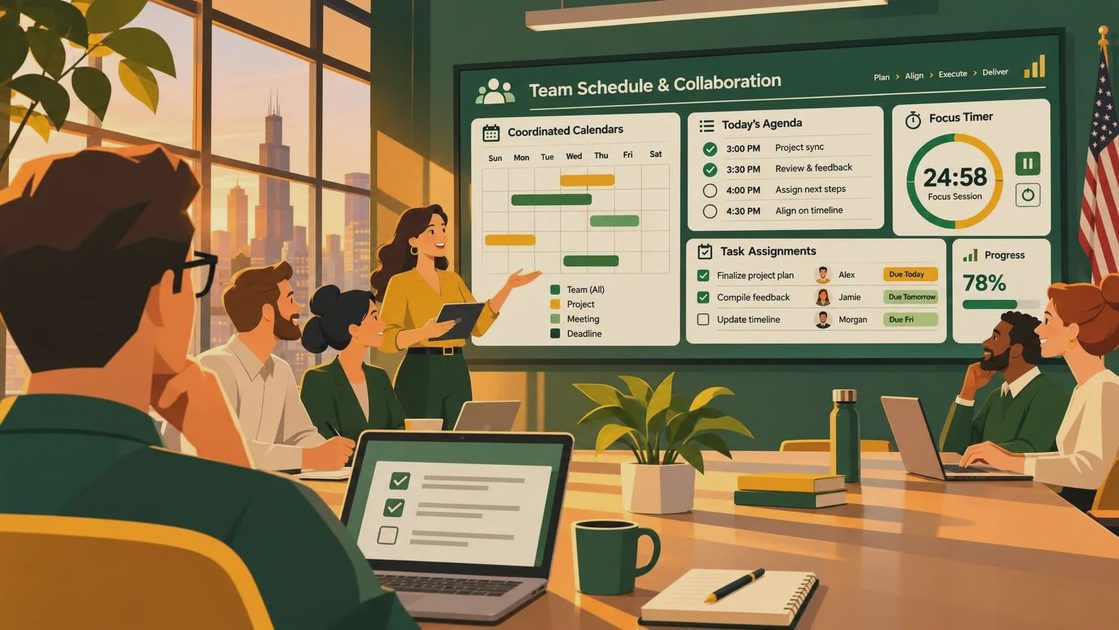
Fellow is built around meeting agendas and notes, making it a sensible candidate for managers who run recurring one-on-ones or team meetings. A shared agenda lets participants contribute before the call rather than remembering everything at minute 59. Before committing, check which features and integrations are included in the plan your team would use.
For teams already working in Notion, a shared page or database can serve the same basic purpose without introducing another destination. Create one page per recurring meeting, put the next agenda at the top, and move finished notes below it. This is useful when your team already checks Notion; it is less appealing if everyone has to learn a new workspace just to find Tuesday's agenda.
A plain Google Doc or Microsoft Word document works, too. Add three headings: topics, decisions, and next actions. Under each action, write a person's name and a due date or a clear check-in date. “Marketing to follow up” sounds responsible until everyone in marketing assumes someone else has it.
The trade-off is maintenance. A dedicated product may make recurring agendas and integrations easier to manage, while a document is simpler but depends on someone keeping it tidy. Neither option is useful if the notes live somewhere attendees can't access.
Scheduling without the email ping-pong
Calendly is designed for sharing available appointment times, which can be helpful for consultants, interviews, and client calls. Instead of proposing three slots and waiting, you share a booking link and let the other person choose from your available times.
That convenience comes with a small social consideration: a booking link can feel impersonal if it's the entire message. I like pairing it with a sentence offering to find another time if none of the listed slots work. For close colleagues with shared calendars, scheduling directly in your existing calendar may be quicker.
Before sharing a link widely, check the connected calendar, time zone, meeting duration, and buffer settings. Also decide how much notice you need. An open slot at 3 p.m. does not mean you want a surprise appointment at 2:58.
AI notes need a human owner
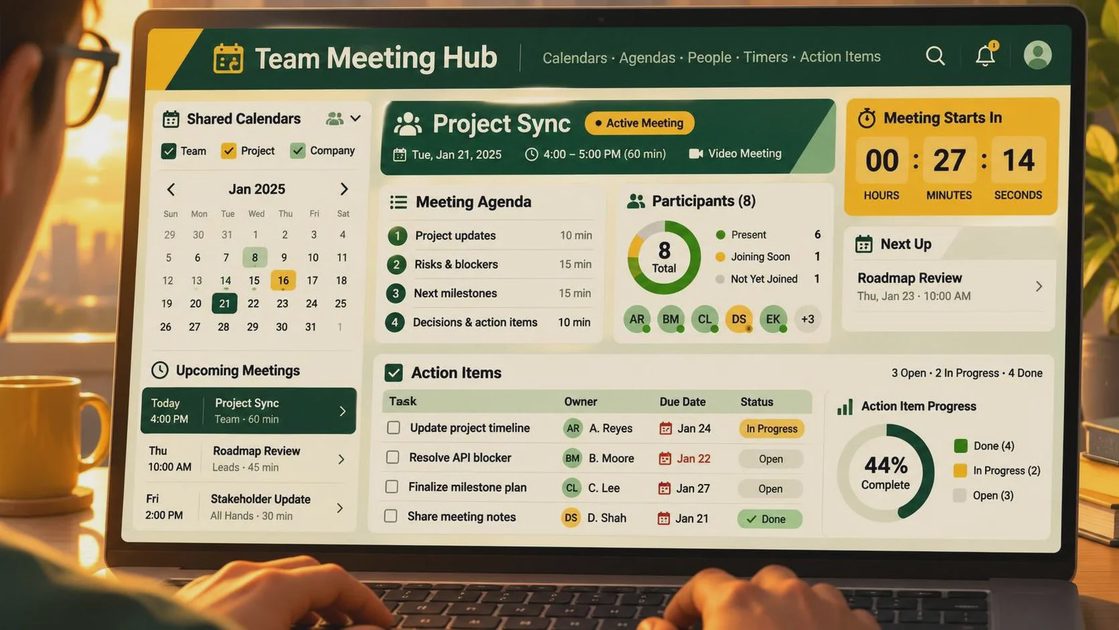
Some meeting management tools can generate transcripts or summaries, and Otter.ai is one option to investigate for that purpose. AI notes can be especially helpful when a participant needs to revisit a complicated discussion. They can also produce a convincing summary that misses a qualification or assigns a task to the wrong person.
Treat the output as a draft. After the meeting, one person should check the decisions, names, dates, and action items against what was actually agreed. If the group said, “We might launch Friday if legal approves,” the notes should not turn that into “Launch Friday.”
Recording and transcription also change the privacy equation. Tell participants what will be captured, follow your organization's policies, and understand the consent rules that apply to everyone on the call. Check where recordings and transcripts are stored, who can access or delete them, how long they are retained, and whether the provider uses content for model training. For sensitive conversations, a short set of manual notes may be the better choice.
A small setup that survives a busy week
You don't need a grand rollout to compare meeting management tools. Pick one recurring meeting that already has a recognizable problem and try a single change for a few weeks. For example, put a shared agenda in the calendar invitation, ask attendees to add topics beforehand, and reserve the last few minutes to confirm decisions and owners.
Afterward, check the practical evidence: Did people find the agenda? Could an absent colleague understand the decision? Did action items land in the task system people already check? If someone must copy every task into three places, the new workflow may be creating the very admin it promised to remove.
When comparing paid meeting management tools, check the total cost for the people who actually need access, not just the advertised starting price. Verify plan limits, calendar and video integrations, export options, and what happens to your records if you leave. Pricing and features change, so confirm those details on the vendor's site before you commit.
My preference is the smallest setup that makes the next action obvious. Sometimes that's a dedicated app. Sometimes it's a shared document and a calendar invite. Either way, ask the question that matters after the novelty wears off: Will this still work on Tuesday?



No comments yet — be the first to share a thought.